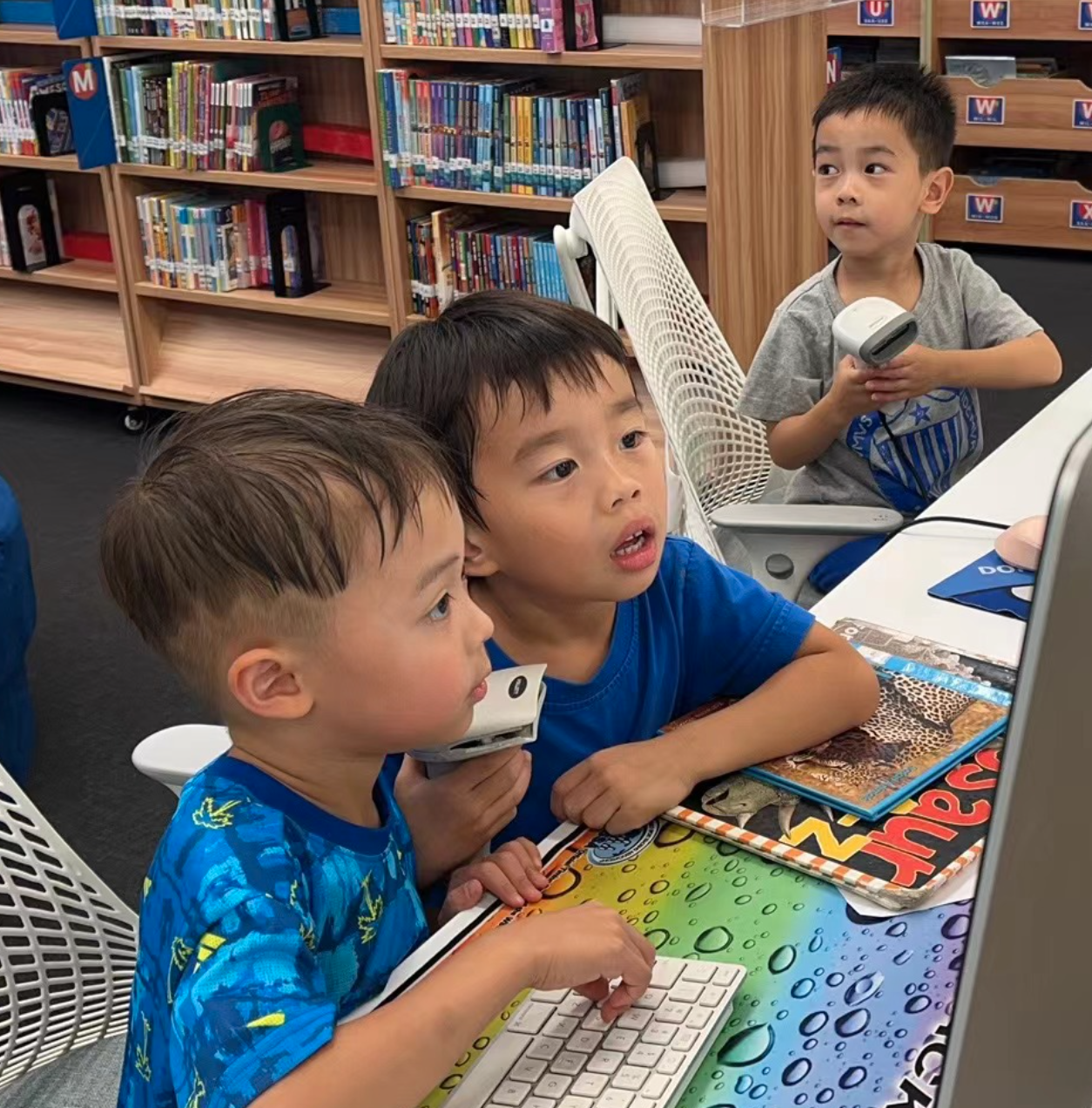
The school year has started, and I have met all of our students over the last 10 school days; we are going to have a fantastic year together. The students rush into the library, eager to choose books to take home and read, and are excited to share their treasures with family. We have 27 classes come through the library on a 6 day schedule, most for a 30-minute check-out block; nobody leaves empty-handed.
Once September begins and we have most of the 4,000 books returned from our Summer check-out, students will be allowed to check out between 3-10 books each library cycle, as well as being able to choose from our many digital resources online like Sora, Flipster and our terrific databases.
Librarians…we really do have the best job in the world.
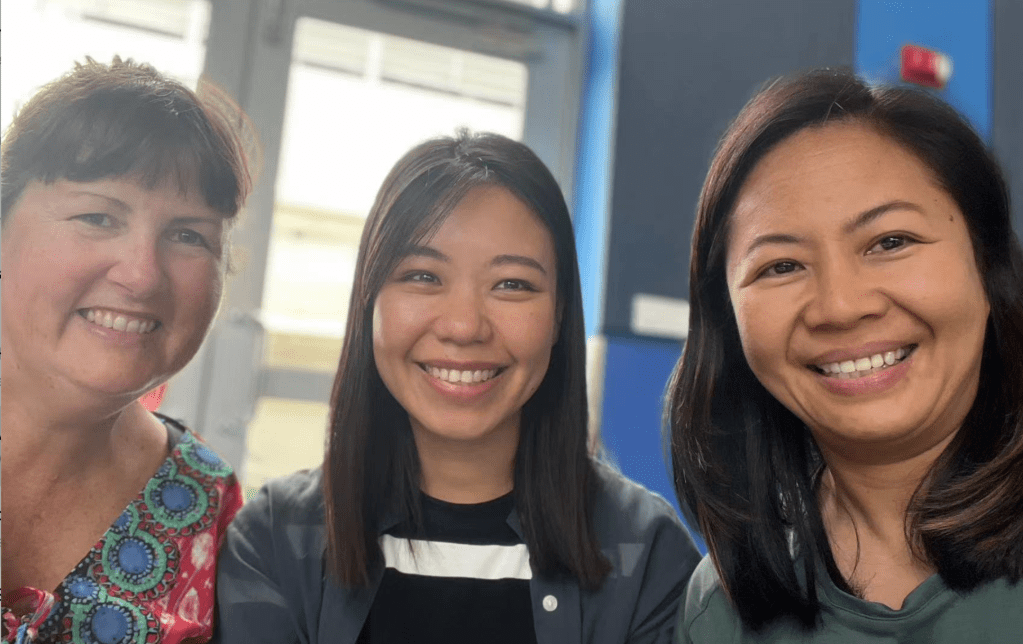
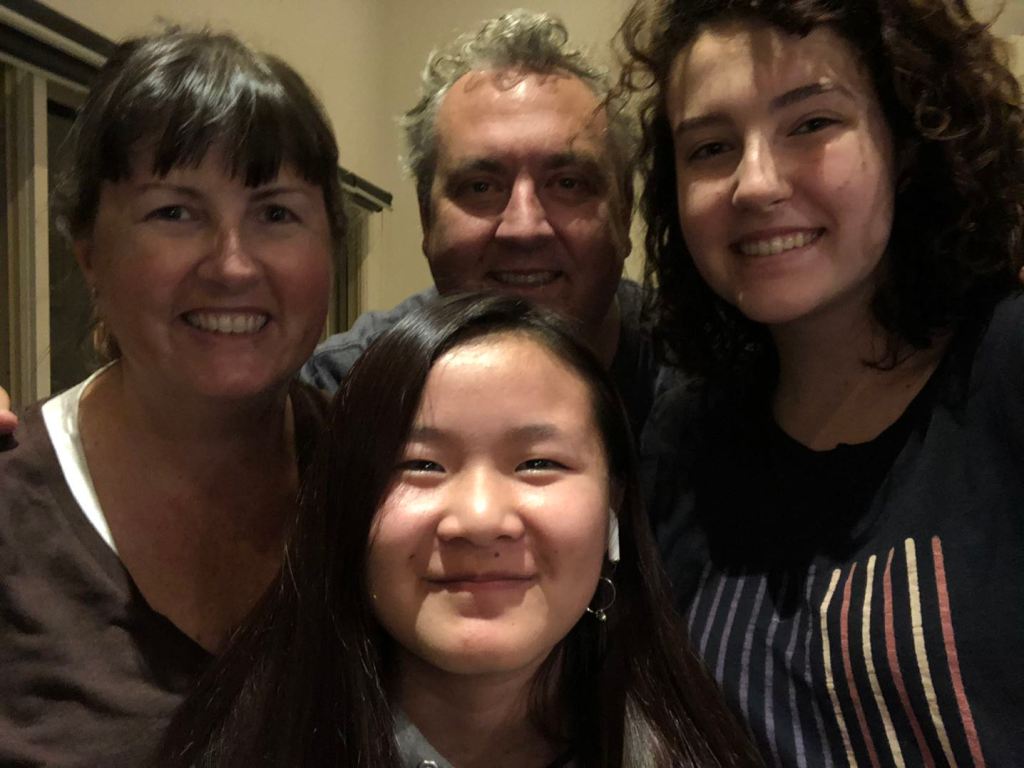
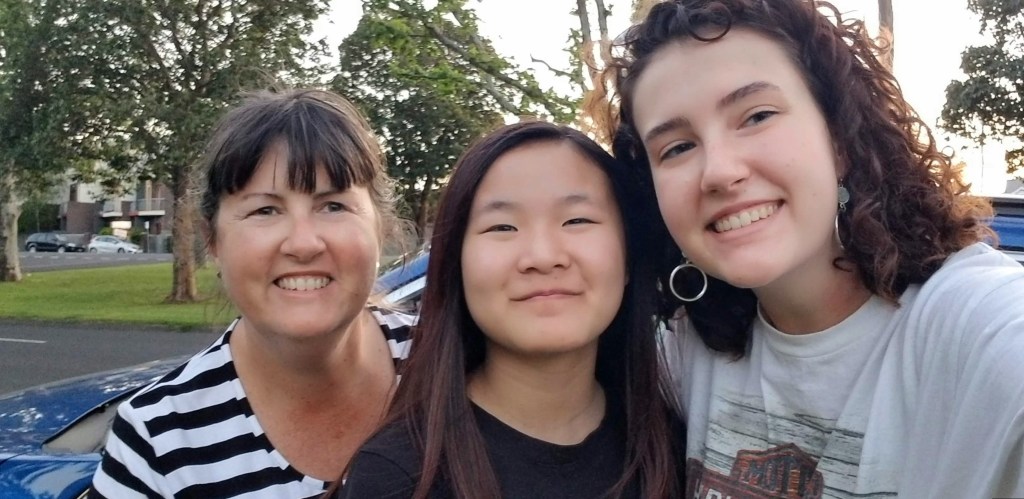
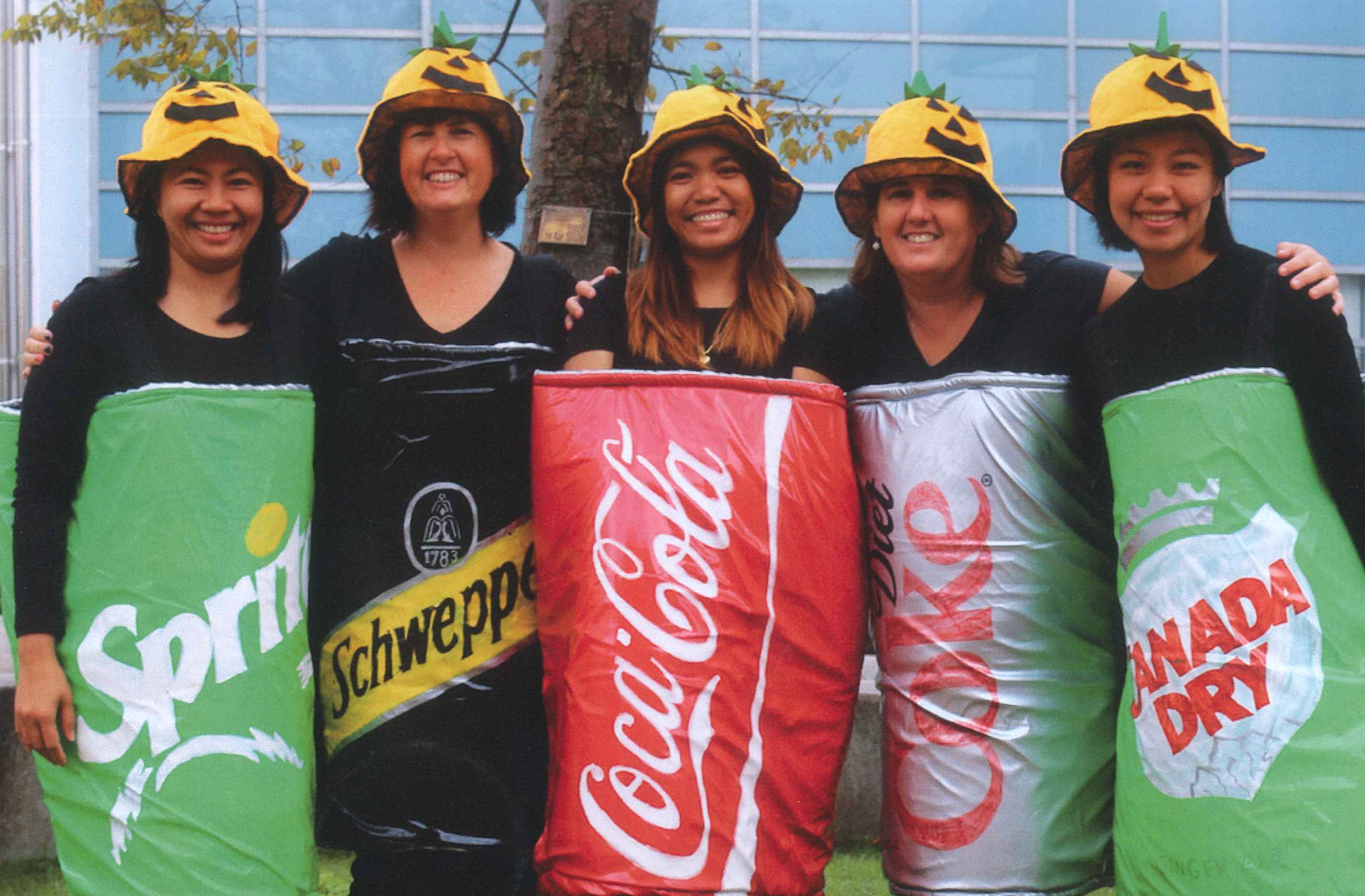
My name is Kimbra Power and this is my 17th year at SAS. Ms Joji, Ms Stella and I are your library team, and this is our 10th year together. My husband Simon and I have two daughters, Hannah and Mimi, and they both started PreK at SAS. My older daughter Hannah is now in her 2nd year of university in Melbourne, and my younger daughter Mimi starts High School this year.
Joji Kimbra Stella
Kimbra Joji Stella
Joji Kimbra Stella
Mimi Kimbra Hannah
Kimbra Simon Mimi Hannah
Kimbra Mimi Hannah
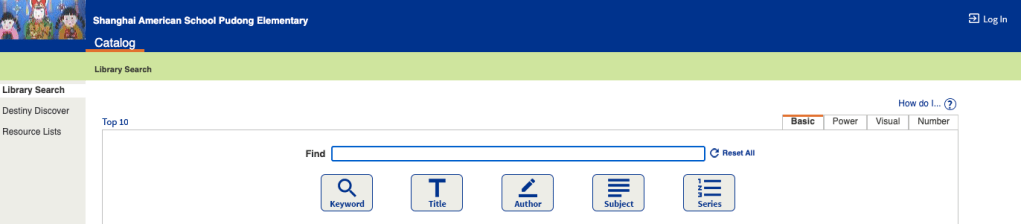
Library Catalog To access your school library account, follow these instructions and before you begin, know your school ID number.
For students, this will be a 7-digit number, beginning with 235 following the letter P (for patron) You do NOT need to put the letter P in. That 7-digit number is your username AND password to access our school library catalog.
For parents, this will be a 6-digit number, following the letter P (for patron) You do NOT need to put the letter P in. That 6-digit number is your username AND password to access our school library catalog.
*Under Elementary Libraries on the left of the screen, click on Shanghai American School Pudong Elementary. You MUST do this before you click on ‘login’, otherwise the site won’t recognize your ID number.
You are now looking at the PD ES catalog, and can search for books from here, in any of our 4 libraries, just by typing their name in to the search bar, where it says ‘Find’
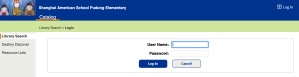
*Click on Log in at the top right of the screen. Once you are logged in, you can put books on hold, renew books as long as you have nothing overdue, click on ‘My Info’, see your check out history and more.
Overdrive/Sora We use the Sora App to access our digital library, Overdrive.
*Download the Sora App.
*Open it and find your school by searching for Shanghai American School (even though it says the Puxi campus address, click on that, it is correct)
*Every student from grade 3-12 has their own Sora Account (with their school ID) If your child is 2nd grade or below, use YOUR ID number as a parent.
*Your ID number is your username and password, type those in, and you are good to go.
Elementary Databases Linked is a wonderful resource for you to bookmark regarding the huge amount of incredible digital resources you have access to. Details on how to log in to them can be found linked in the LibGuide. https://libguides.saschina.org/c.php?g=930560












 the barefoot librarian