
P.S. I am putting this PS at the start to help you avoid frustration. PLEASE e mail me, kimbra.power@saschina.org to find out your school ID number, the number on your SAS ID card, or your students ID number that they use on the bus and for lunch, if you do not know it.
Sora is our way of giving you access to digital books, both e books, and audio books, predominantly in English, but with a growing selection of books in Mandarin too.
*ALL SAS Parents have been signed up to SORA by us, so the account is just waiting for you to activate it.
*ALL students from Grade PK-12 also have their own account, ready for them once they do the following.
To access SORA, you need to go to your app store, and download the Sora App.
Once you’ve downloaded the app, open it, and search for your school, Shanghai American School (it will have the Puxi campus address) Click on that please. (see videos below)
Your username AND your password are the same, they are your SAS ID number. For parents and students, there will be a letter P (for Patron) in front of their ID number. You do NOT need to put the P into Sora, just the numbers. For parents, there are 6 digits, for students, there are 7. Faculty will use the letters (in all caps, either PRC or EXP) in front of the digits as well as the digits please (therefore, they have an 8 character username and password)
Now you have entered the Sora App and thousands of digital books are available for you to read.
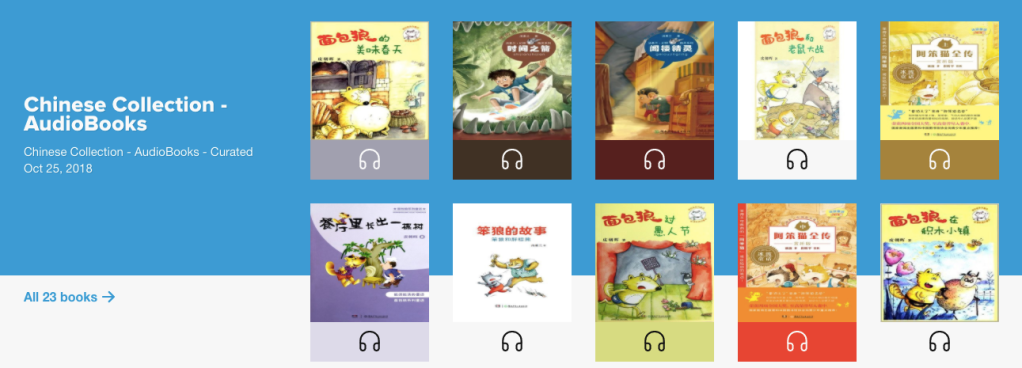
If you are worried about too much screen time, make sure your preferences say audiobooks, then click on apply. The same goes if you only want books in Mandarin, click on the language section, choose Chinese, and only Chinese books will show up once you click on apply.
Check out these short videos showing you step by step how to use Sora.
Search for books you want on Sora Video
Renew and Hold Books on Sora Video
Returning Books and Book Achievements on Sora Video



 the barefoot librarian