I looked up the phrase “In like a lion, out like a lamb” as having heard it many times, I wanted to learn more as March here in the library really was something; certainly more lion than lamb . Like many proverbs/folklore/sayings, the weather aspect of this one certainly fits in with the Northern Hemisphere rather than the Southern; I’m from Australia, I notice things like that.
We anticipate March and April being busy every year, ever since 2021 when we moved Cardboard Challenge from October 2020 to April 2021, it has meant several of our big events are held then. This season we have 3 weeks of Books to Eat, our visiting author Nikkolas Smith arriving for two weeks on April 14th, our 5th grade Battle of the Books on April 18th, and then 10 days to prepare for our 13th Cardboard Challenge on April 30th.
So by May, I’m not sure which animal we’ll be feeling like, but that month we’ll also be moving from Destiny to Oliver as our Library Management System and preparing for Summer Check Out. It is never dull in the library, we are very lucky.
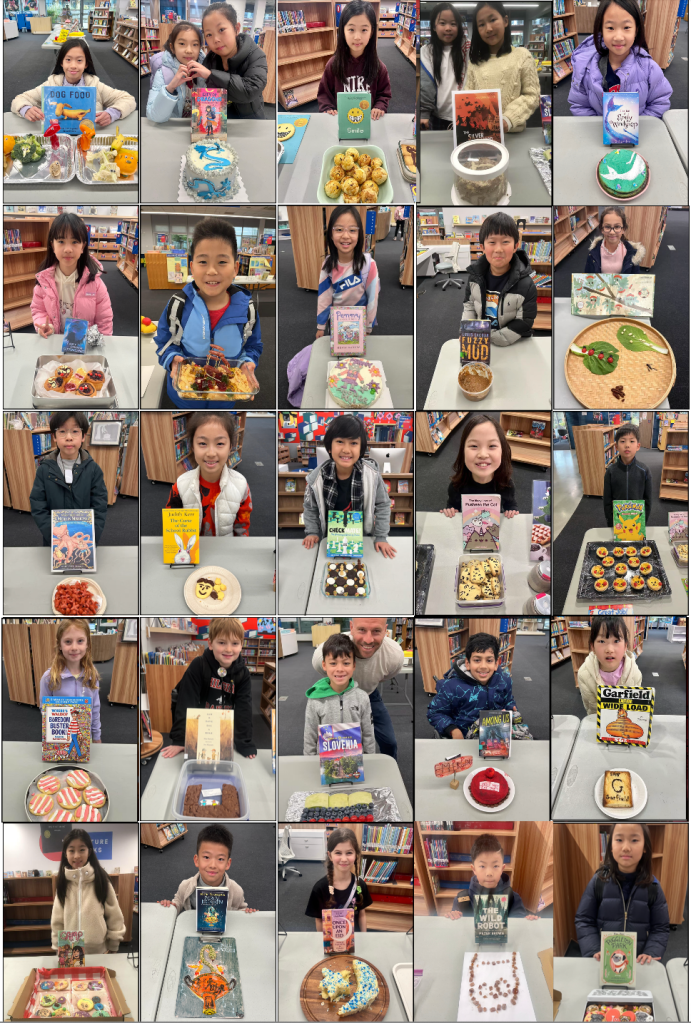
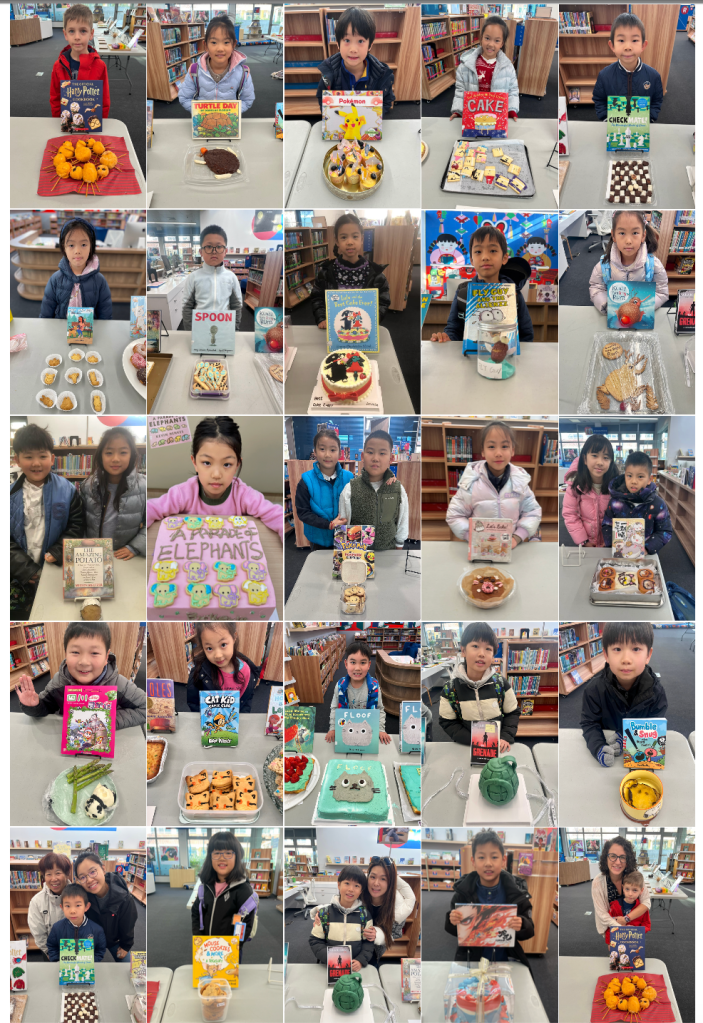
For now, take a look at MOST of the entries for Books to Eat 2025. We had over 210 entries created by more than 250 students. The smell of sugar has gradually faded, but our memories of the creativity and culinary skills in our community remain.
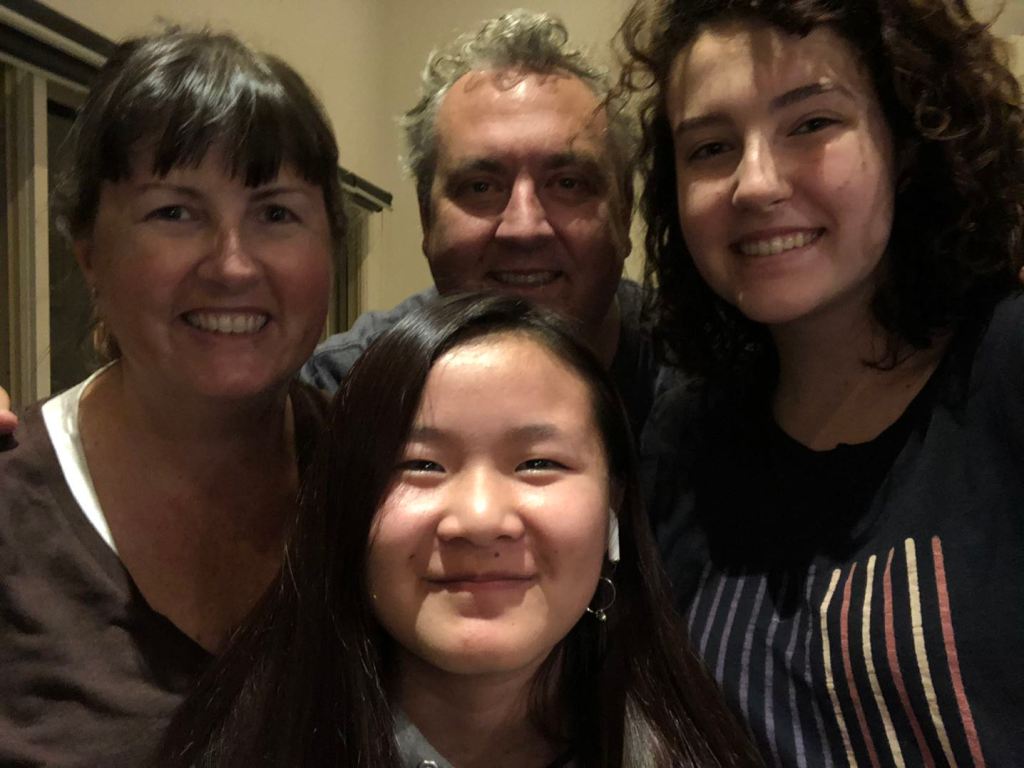
My name is Kimbra Power and this is my 17th year at SAS. Ms Joji, Ms Stella and I are your library team, and this is our 10th year together. My husband Simon and I have two daughters, Hannah and Mimi, and they both started PreK at SAS. My older daughter Hannah is now in her 2nd year of university in Melbourne, and my younger daughter Mimi starts High School this year.
Joji Kimbra Stella
Kimbra Joji Stella
Joji Kimbra Stella
Mimi Kimbra Hannah
Kimbra Simon Mimi Hannah
Kimbra Mimi Hannah
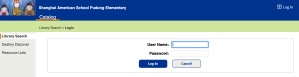
Library Catalog To access your school library account, follow these instructions and before you begin, know your school ID number.
For students, this will be a 7-digit number, beginning with 235 following the letter P (for patron) You do NOT need to put the letter P in. That 7-digit number is your username AND password to access our school library catalog.
For parents, this will be a 6-digit number, following the letter P (for patron) You do NOT need to put the letter P in. That 6-digit number is your username AND password to access our school library catalog.
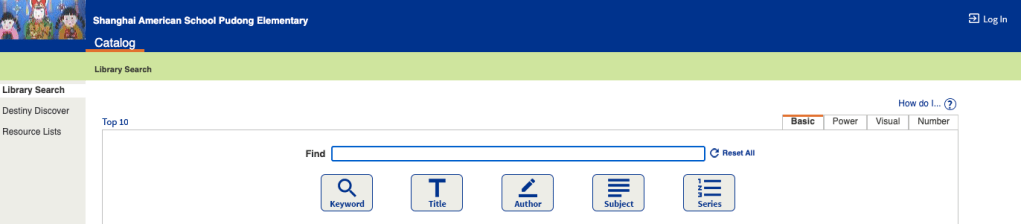
*Under Elementary Libraries on the left of the screen, click on Shanghai American School Pudong Elementary. You MUST do this before you click on ‘login’, otherwise the site won’t recognize your ID number.
You are now looking at the PD ES catalog, and can search for books from here, in any of our 4 libraries, just by typing their name in to the search bar, where it says ‘Find’
*Click on Log in at the top right of the screen. Once you are logged in, you can put books on hold, renew books as long as you have nothing overdue, click on ‘My Info’, see your check out history and more.
Overdrive/Sora We use the Sora App to access our digital library, Overdrive.
*Download the Sora App.
*Open it and find your school by searching for Shanghai American School (even though it says the Puxi campus address, click on that, it is correct)
*Every student from grade 3-12 has their own Sora Account (with their school ID) If your child is 2nd grade or below, use YOUR ID number as a parent.
*Your ID number is your username and password, type those in, and you are good to go.
Elementary Databases Linked is a wonderful resource for you to bookmark regarding the huge amount of incredible digital resources you have access to. Details on how to log in to them can be found linked in the LibGuide. https://libguides.saschina.org/c.php?g=930560
Destiny is the name of our Library Catalog. It is an online Catalog with the name and details of everything in our library.
A Library Catalog is very useful, as you can find your way around the library, from your classroom, your home, or anywhere else in the world just by going to one website. You will use it to find books you like, keep check on what books you have out and when they are due and hold books you can’t wait to read. How do you do all that? I’ll show you how.
Click on this short video to show you how to log in to the destiny.saschina.org library catalog…













 the barefoot librarian